Samsung ML-1660 Toner Cartridges


Save on all the consumables you need for your Samsung ML-1660. Ordering from Printzone doesn't just mean you get discounted products, but you also get to take advantage of our fantastic service! For the Samsung ML-1660 we stock the following:
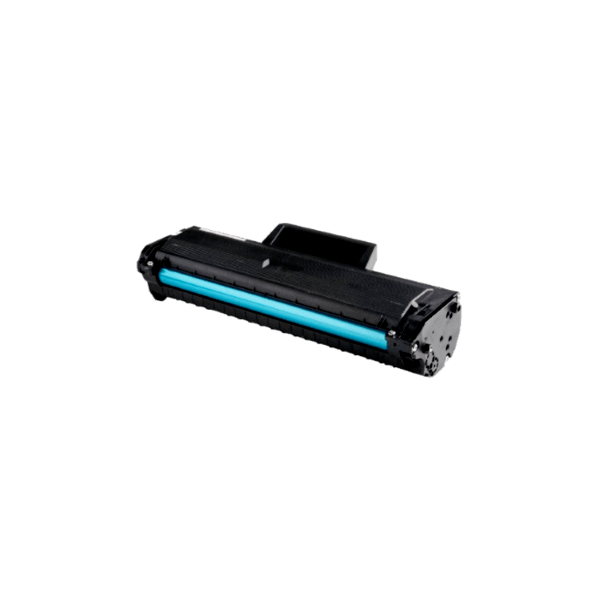
Compatible Samsung MLT-D104S Toner
- 1500 pages
- Compatible
- In Stock
This premium compatible MLT-D104S black toner cartridge is designed to replace the original cartridge, and work perfectly in your laser printer or multifunction (see list of compatible printers)...
Compatible / Generic Toner
109.60
56.24 /inc GST
Shipping
Premium Compatible
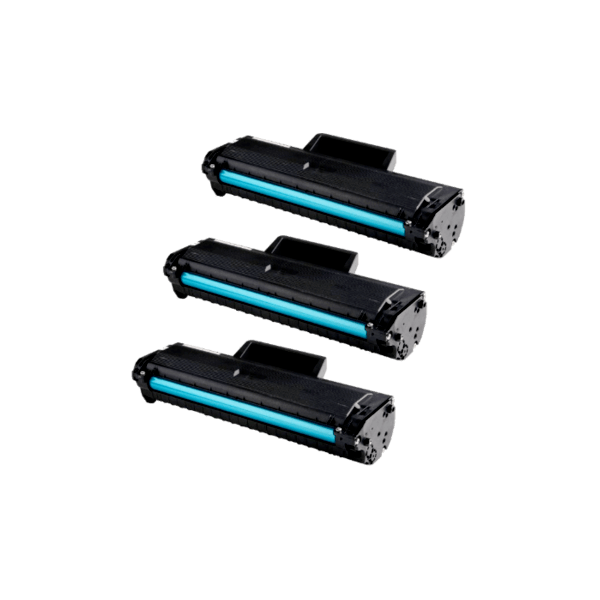
Compatible Samsung MLT-D104S Toner 3 PACK
- 3 x 1500 pages
- Compatible
- In Stock
Print more? Save more! Our 3 pack of premium compatible MLTD104S toner offers you savings by buying in bulk, and the convenience of ordering more toners with just one click!These premium compatible MLT-D104S black toner cartridges are designed to replace the original cartridge, and work perfectly in your laser printer or multifunction (see list of compatible printers)...
Compatible Toner Value Pack
328.79
165.22 /inc GST
Free Shipping
Premium Compatible
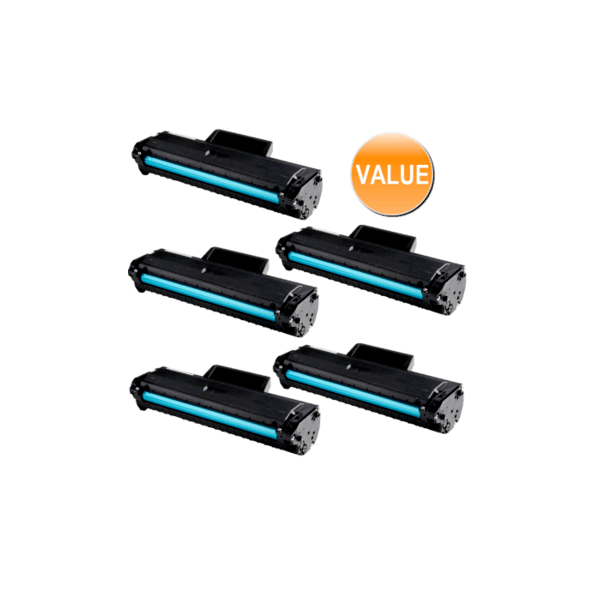
Compatible Samsung MLT-D104S Toner 5 PACK
- 5 x 1500 pages
- Compatible
- Low Stock
Print even more? Save even more! Perfect for your busy office, our 5 pack of premium compatible MLTD104S toner offers you savings by buying in bulk, and the convenience of ordering more toners with just one click!These premium compatible MLT-D104S black toner cartridges are designed to replace the original cartridge, and work perfectly in your laser printer or multifunction (see list of compatible printers)...
Compatible Toner Value Pack
548.09
255.71 /inc GST
Free Shipping
Premium Compatible
Frequently Asked Questions
What products are available for the Samsung ML-1660?
Is there a warranty on Samsung ML-1660 products?
How long does delivery take?
Is it safe to use compatible products in my Samsung ML-1660?
How can I order Samsung ML-1660 products?
Some info about the Samsung ML-1660...
Samsung introduces a smaller laser printer with greater convenience, the ML-1660. With its ultra compact elegant design, there’s space for this little beauty anywhere. Clever built-in features like One Touch printing make the ML-1660 smart, as well as easy to look at. The ML-1660’s low noise level, rapid print speed, and easy power button assure maximum convenience. With the Samsung ML-1660 printer, sometimes the best things in life do come in the small packages.
From the monitor to the page with just One Touch
The ML-1660's Print Screen button - conveniently located on the printer control panel - lets you print the contents of your screen, quick and easy, even when you’re away from your desk. Just One Touch is all it takes. A quick touch prints the whole screen, as you see it in your monitor. Hold the button for more than two seconds and the ML-1660 prints the last object that you activated in your monitor. Now you can print everything, anytime"
Capture what catches your eye
Samsung’s AnyWeb Print software lets you go hunting and gathering on the Web. You can utilize the ML-1660 to easily select, drag and drop content from different web pages onto a printable scrap board in your browser window, all while you surf. It’s the easy way to collect, arrange and edit those useful reference points and resources you can only find on the Internet for that big project? or just for fun.
A printer with brains and beauty
Finally, your desk can look stylish because of your printer, not in spite of it. The Samsung ML-1660 laser printer has an elegant exterior design, sure to fit in with any workspace. Its glossy top cover looks chic and polished while offering dust-free protection. Spiff up your space with a desktop accessory that actually helps you work better.
One less noisy office distraction
You shouldn’t have to struggle to hear yourself think while sitting at your own desk. That’s why the Samsung ML-1660 is engineered to be whisper quiet, generating a noise level of less than 49dBA while it’s printing. That’s less than the gentle hum of a running refrigerator! A desktop printer that does its work while letting you focus on yours? Cool.
A soft approach to energy efficiency
n today’s green office environment, there’s simply no room for energy-hogging printers. That’s why the Samsung ML-1660 features an easy-to-reach power button right on the front panel, so you can switch to an energy-saving standby mode at the push of a button. Ready to print? Just push the button again to power back up, and you’re ready to go.