Canon imagePROGRAF iPF510 Ink Cartridges
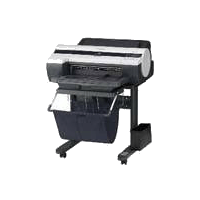

Save on all the consumables you need for your Canon imagePROGRAF iPF510. Ordering from Printzone doesn't just mean you get discounted products, but you also get to take advantage of our fantastic service! For the Canon imagePROGRAF iPF510 we stock the following:
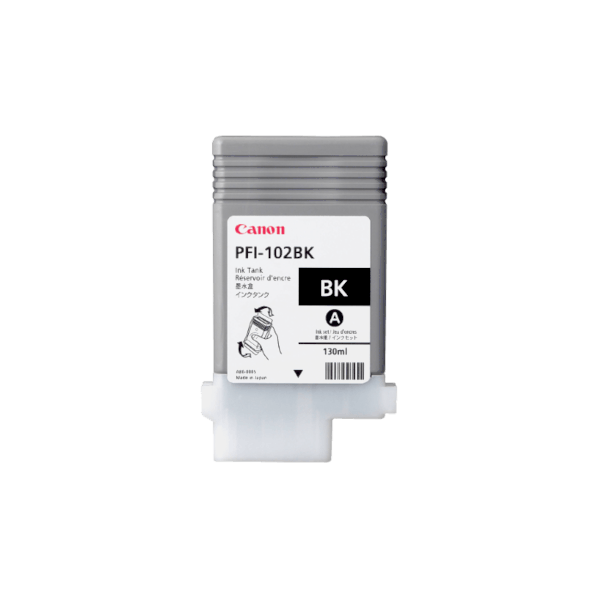
Genuine Canon PFI-102BK Black Ink Cartridge
- 130ml
- Genuine
- PreOrder
This Original PFI102 Black Ink Cartridge is part of Canon's 5-color dye/pigment Reactive Ink technology, which utilizes four highly colorfast dye inks for producing bold, expressive color, plus two channels of matte black ink for printing precise lines, smooth curves, and small text on technical and office documents...
Wide Format Ink
250.30
212.75 /inc GST
Free Shipping
Canon
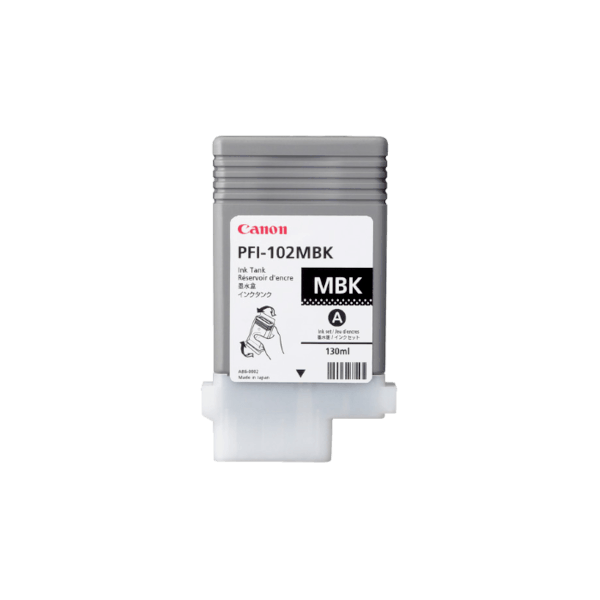
Genuine Canon PFI-102MBK Matte Black Ink Cartridge
- 130ml
- Genuine
- PreOrder
This Original PFI102 Matte Black Ink Cartridge is part of Canon's 5-color dye/pigment Reactive Ink technology, which utilizes four highly colorfast dye inks for producing bold, expressive color, plus two channels of matte black ink for printing precise lines, smooth curves, and small text on technical and office documents...
Wide Format Ink
250.30
212.75 /inc GST
Free Shipping
Canon
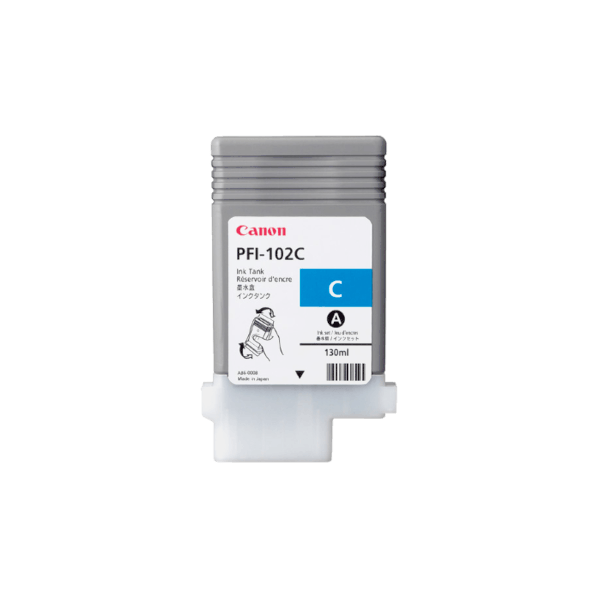
Genuine Canon PFI-102C Cyan Ink Cartridge
- 130ml
- Genuine
- PreOrder
This Original PFI102 Cyan Ink Cartridge is part of Canon's 5-color dye/pigment Reactive Ink technology, which utilizes four highly colorfast dye inks for producing bold, expressive color, plus two channels of matte black ink for printing precise lines, smooth curves, and small text on technical and office documents...
Wide Format Ink
250.30
212.75 /inc GST
Free Shipping
Canon
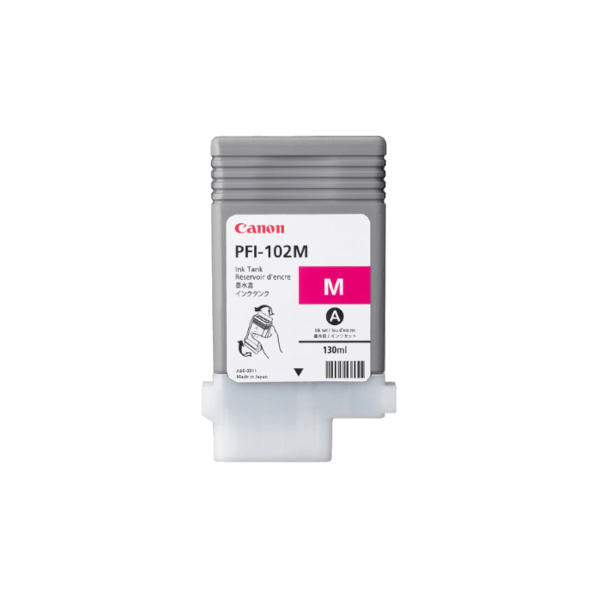
Genuine Canon PFI-102M Magenta Ink Cartridge
- 130ml
- Genuine
- PreOrder
This Original PFI102 Magenta Ink Cartridge is part of Canon's 5-color dye/pigment Reactive Ink technology, which utilizes four highly colorfast dye inks for producing bold, expressive color, plus two channels of matte black ink for printing precise lines, smooth curves, and small text on technical and office documents...
Wide Format Ink
250.30
212.75 /inc GST
Free Shipping
Canon
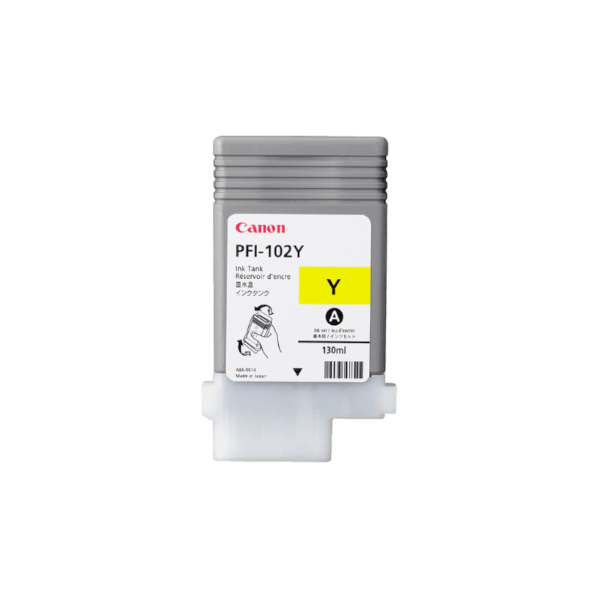
Genuine Canon PFI-102Y Yellow Ink Cartridge
- 130ml
- Genuine
- PreOrder
This Original PFI102 Yellow Ink Cartridge is part of Canon's 5-color dye/pigment Reactive Ink technology, which utilizes four highly colorfast dye inks for producing bold, expressive color, plus two channels of matte black ink for printing precise lines, smooth curves, and small text on technical and office documents...
Wide Format Ink
250.30
212.75 /inc GST
Free Shipping
Canon

Genuine Canon PFI-102 Ink Cartridge Value Pack
- 130ml each
- Genuine
- PreOrder
We know our customers love great value, so we've put together this full set of PFI102 ink cartridges at a discount. Includes one each of black, matte black, cyan, magenta and yellow...
Wide Format Value Pack
1251.48
1042.48 /inc GST
Free Shipping
Canon
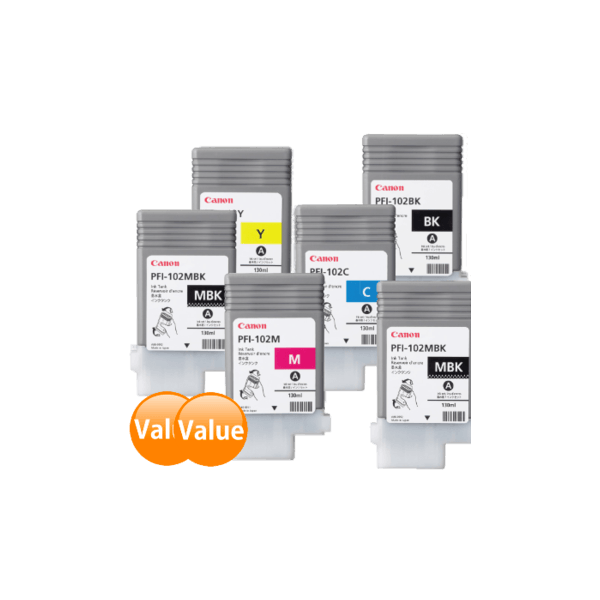
Genuine Canon PFI-102 Ink Cartridge PLUS Value Pack
- 130ml each
- Genuine
- PreOrder
Limited time only - Includes TWO matte black inks!We know our customers love great value, so we've put together this full set of PFI102 ink cartridges at a discount. Includes one each of black, cyan, magenta and yellow; and two of matte black...
Wide Format Value Pack
1501.76
1250.97 /inc GST
Free Shipping
Canon
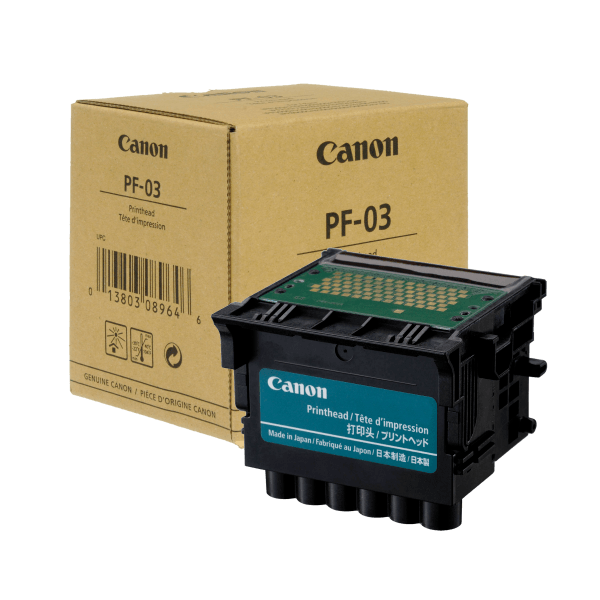
Genuine Canon PF-03 Printhead
- Genuine
- PreOrder
Canon PF-03 Printhead cartridge suitable for Canon imagePROGRAF iPF-500, iPF-510, iPF-600, iPF-610, iPF-700, iPF-710, iPF720, iPF810, iPF820, iPF5000, iPF5100, iPF6000S, iPF6100, iPF6200, iPF8000, iPF8000S, iPF8100, iPF9000, iPF9000S and iPF9100 wide format printers...
Printheads
1437.36
1221.76 /inc GST
Free Shipping
Canon
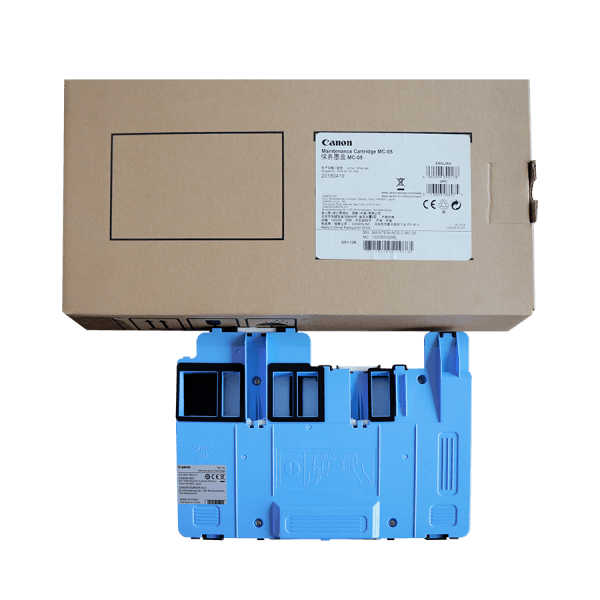
Genuine Canon MC-05 Maintenance Cartridge
- Genuine
- PreOrder
Canon MC-05 Maintenance Cartridge suitable for Canon imagePROGRAF iPF-500, iPF-510, iPF5000 and iPF5100 wide format printers. Canon Code: MC-05 Easy to replace - Replace when printer's software indicates ~80% full cartridge ...
Maintenance Kit
156.33
128.80 /inc GST
Free Shipping
Canon
Frequently Asked Questions
What products are available for the Canon imagePROGRAF iPF510?
Is there a warranty on Canon imagePROGRAF iPF510 products?
How long does delivery take?
Do you sell compatible cartridges for the Canon imagePROGRAF iPF510?
How can I order Canon imagePROGRAF iPF510 products?
Some info about the Canon imagePROGRAF iPF510...
The 17" imagePROGRAF iPF510 printer puts speed and high quality printing in a versatile package. This 5-color desktop printer is designed with the ability to quickly and accurately print Maps, Design Layouts, Posters, and more. The iPF510 includes a print Plug-in for Microsoft? Office applications and Canon's PosterArtist Lite, an easy-to-use poster creation software. These workflow solutions allow even a novice large format user to create stunning posters and banners quickly and easily.
PosterArtist Lite
Canon's included PosterArtist Lite poster creation software gives users the ability to quickly and easily create professional large format prints. Users simply follow the program's four (4) easy steps to create posters that can be used in applications such as Office presentation, Trade shows, Retail Signage, and much, much more. The PosterArtist QuickCopy feature provides an easy solution for a CanoScan desktop scanner to be used as a copier, making letter-size flyers and documents into full-size posters with a touch of a button.
For those with more demanding poster creation needs, Canon's optional PosterArtist offers advanced features such as Auto Design, Variable Data and in-application image editing features, as well as additional templates, royalty-free photos and clip art. The built-in weblink feature in PosterArtist Lite links users directly to the PosterArtist website for useful hints and tips, and even more free contents for download.
Print Plug-in for Microsoft Office
This utility makes it easy to print large-format documents created in Microsoft Word, Excel, or PowerPoint. The Plug-in appears in a toolbar inside the Microsoft application and has an easy-to-follow "Wizard". The Plug-in will bypass the printer driver to simplify the printing process. A few simple steps convert your 8.5" x 11" office document to poster size.
L-COA processor
Canon's L-COA (Large Format Printer COmmon Architecture) print controller is the "brain" that powers the printer's data. This unique, high-speed processor drives the print engine to lay ink down with high-precision and helps ensure optimal image quality and color accuracy.
Precision Printing: High-Density Print Head
Engineered for speed and advanced image production, this printer boasts Canon's latest print-head technology to lay down ink with unprecedented speed and accuracy. The new PF-04 print head incorporates a new nozzle shape to reduce satellite ink, producing cleaner lines and text, and minimizing mist. The high-precision, high-density print head, with a total of 15,360 nozzles, lays down 4 picoliter-size ink droplets that produce sharp detail and excellent image quality. The result is consistently accurate 2400 x 1200 dpi output with fine lines that are accurate to ±0.10% and as thin as 0.02mm.
Economy Print Mode
Reduce total ink consumption by utilizing the Economy Print Mode for producing draft prints on select media. This feature regulates the use of all inks to produce quick check plots while minimizing the cost per print.
Reactive Ink System
Ideal for technical - as well as office - applications, Canon's breakthrough 5-color dye/pigment Reactive Ink technology utilizes four highly colorfast dye inks for producing bold, expressive color, plus two channels of matte black ink for printing precise lines, smooth curves, and small text on technical and office documents. These Canon inks provide superior adhesion to media, scratch and marker resistance, and ensure minimal "bleeding" between colors and text. Even small text printed on colored backgrounds or on uncoated technical papers is crisp and legible.
HDI Driver
With the Canon HDI Driver for AutoCAD application, the driver creates a vector graphical representation of the printed data. Here, points are defined and a curved line is calculated mathematically in order to achieve precision. The HDI Driver creates a graphically accurate drawing of the printed data.
Features:
- Exact page size that corresponds with the actual print size;
- Print Type setting;
- Print Quality setting;
- Color Mode setting;
- Brightness slide bar setting;
- Black ink print feature;
- Advanced media settings.
Canon Printer Driver
This Windows® and Macintosh® drivers incorporate simplified page setup options, one-touch borderless printing, expanded color settings, and much more into a printer driver that is intuitive and easy-to-operate while still giving even the most advanced users the tools needed to stay productive.
The Real Preview feature ensures users that the print setting and the layout on the roll paper is correct by providing real time preview, allowing users to change the print setting even after clicking on "print." The Free Layout feature enables nesting and custom layouts of images or files of nearly any type (available for both Windows and Mac driver).
The imageRUNNER Enlargement Copy feature built-in to the printer driver lets users transfer data from their Color imageRUNNER device with Universal Send to the imagePROGRAF printer - all with the touch of a button - enabling users to easily create posters from hard copy documents.