Description
The HP Gloss Enhancer Upgrade Kit has been designed to be used with an HP DesignJet Z9+ Printer series only. It is intended to minimise bronzing on gloss and satin photo papers and produce images with uniform gloss, from highlights to shadows.
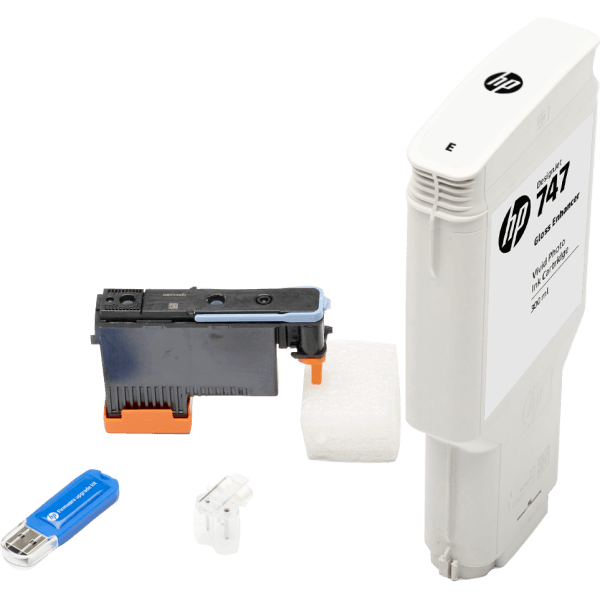
Contains: USB dongle, setup printhead, printhead, HP Gloss Enhancer 300-ml cartridge
Installation Instructions for the HP Gloss Enhancer Upgrade Kit for Z9+printer series
- Ensure that the printer is turned on and idle.
- Ensure that the gray cartridge has enough ink to complete the process.
- Insert the USB dongle.
- When prompted by the front panel, open the right cartridge cover and remove the cartridge slot protector from the last slot, marked with E.
- Insert the gloss enhancer cartridge provided in this kit, then close the cartridge cover.
- When prompted by the front panel, open the printer window, then open the printhead cover.
- Remove and discard the printhead as indicated by the front panel.
- Insert the setup printhead, provided in this kit, into the vacant slot.
- Close the printhead cover and the printer window then follow the instructions on the front panel.
- When the ink system is ready, the front panel prompts you to open the window and printhead cover.
- Confirm that the set up printhead contains ink.
- Remove the set up printhead. - Insert the universal printhead provided in this kit.
- Close the printhead cover and the window.
- The printer proceeds to calibrate and align the printheads.