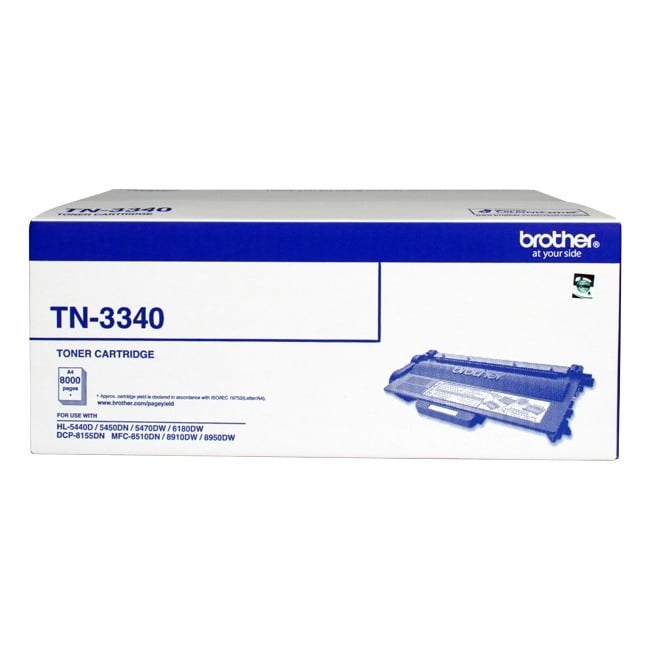
Occasionally when you install the Brother TN3310 or the high yield TN3340 cartridge the printer's toner counter is not reset automatically. This can be easily fixed by manually resetting it.
You can reset the printer's toner counter by following the below instructions:
• Make sure the printer is turned off
• Open the printer front cover
• Hold the ‘Go’ (or start) button while turning the printer on
• Once all the light panels are switched on, release the GO (or start) button. All of the light panels should now turn off
• Press the Go (or start) button two times. All the light panels should turn on
• If you have the TN3310 cartridge installed, press the Go (or start) button five times
• If you have the high yield TN3340 cartridge installed, press the Go (or start) button six times
• The Error Light panel should start flashing. Close the front cover.
• The printer counter should now be reset. If it is not, you may need to switch the printer off and on to start printing.