Canon imagePROGRAF Inks
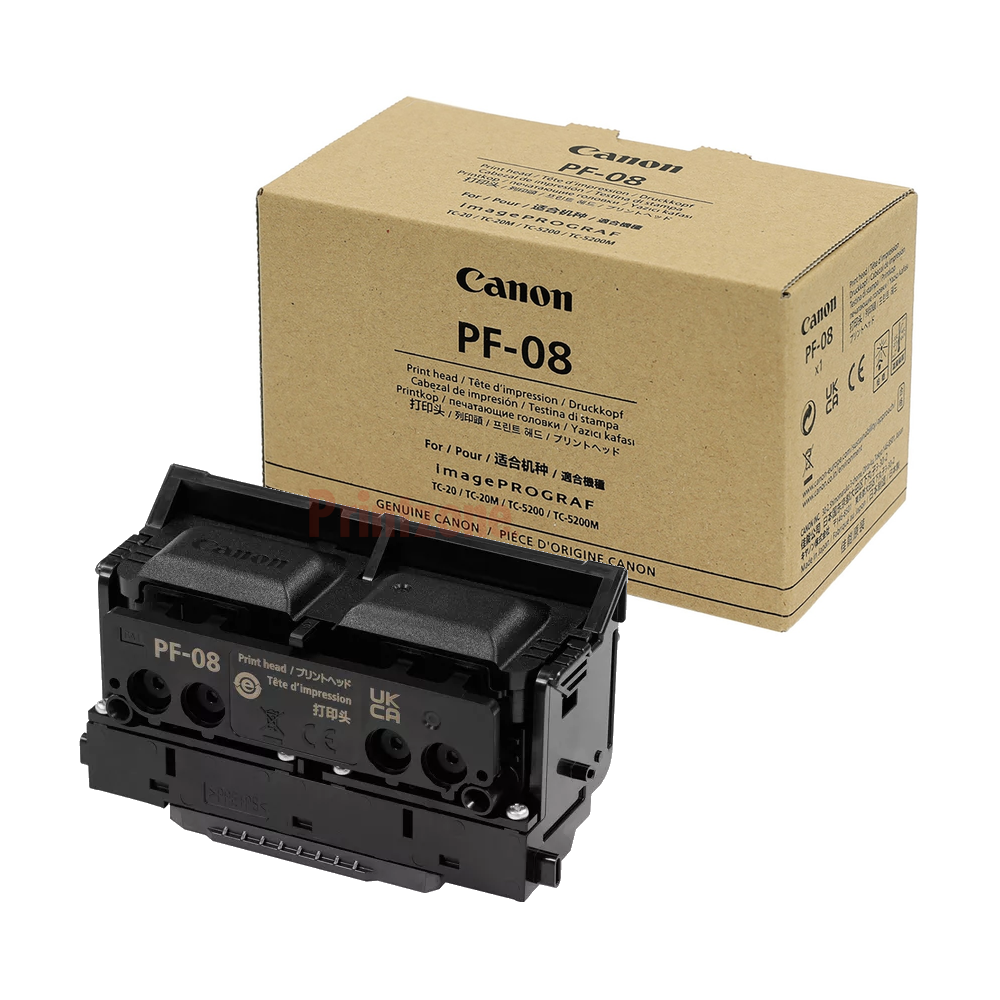
Popular Canon imagePROGRAF Inks Products


OR
Choose Canon Printer Series
imagePROGRAF
Popular Canon imagePROGRAF Inks Printer Searches
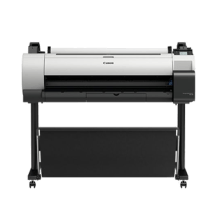
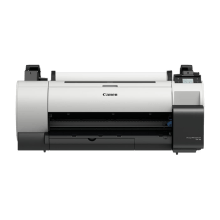
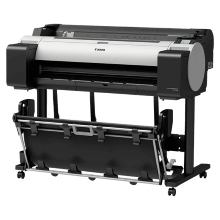
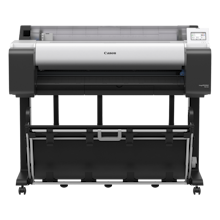
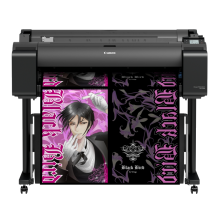
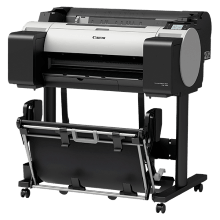

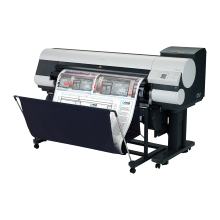
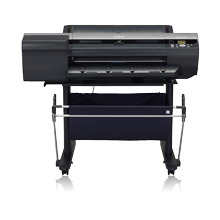
Canon imagePROGRAF Inks are known for their high quality and durability, making them an excellent choice for professional printing applications. Some of the key benefits of Canon imagePROGRAF Inks include:
- Color Accuracy: Canon imagePROGRAF Inks are formulated to produce highly accurate and consistent colors, ensuring that your prints are true to life.
- Longevity: These inks are designed to last, providing long-lasting prints that resist fading and discoloration. They are also resistant to water and smudging, making them ideal for printing documents and photographs that will be handled frequently.
- Wide Color Gamut: The wide color gamut of Canon imagePROGRAF Inks allows for the reproduction of a wide range of colors, ensuring that your prints are vibrant and eye-catching.
- High Resolution: These inks are designed to work with high-resolution printing technology, resulting in sharp, detailed prints that are perfect for professional applications.
Canon imagePROGRAF Inks are a great choice for anyone looking for high-quality, long-lasting prints that are both vibrant and accurate.
Frequently Asked Questions
- Can I use generic third party inks in Canon imagePROGRAF printers?
You can, but here are some things to consider:
- If your imagePROGRAF printer is still under warranty, you will lose access to free printhead replacement and possibly all other support services from Canon.
- Third party generic inks clog up easier, which means more print head cleans. You will waste more ink, plus you'll need to replace the maintenance cartridge more often.
- In scientific tests, genuine inks outperformed generic inks in every respect - from page yield to print quality to colour gamut and wicking. If quality is important to you, genuine imagePROGRAF inks are what you need. If price is important, consider how much you will waste from using generic inks - print head cleans, extra maintenance cartridges and printheads, time spent getting generics to work - and you'll agree genuine imagePROGRAF inks are still what you need.
- How do I know when it's time to replace the Canon imagePROGRAF Ink cartridges?
- Many Canon imagePROGRAF printers will give you an alert when it's time to replace the ink cartridges. You can also check the ink levels through the printer's software interface. It's important to replace the cartridges when they are running low or empty to avoid print quality issues.
- How should I store Canon imagePROGRAF Ink cartridges when not in use?
- It's important to store Canon imagePROGRAF Ink cartridges in a cool, dry place away from direct sunlight. Avoid exposing the cartridges to extreme temperatures or humidity, as this can cause the ink to deteriorate. Ensure the packaging does not get dusty, as the ink may be contaminated when you open the packet.
- Are there any special instructions when changing ink cartridges in Canon imagePROGRAF printers?
- Yes, there are some special instructions you should follow when changing ink cartridges in Canon imagePROGRAF printers to ensure that the process is successful and that your printer continues to operate smoothly. Here are the general steps you can follow:
- Turn on your printer and wait until it is ready.
- Open the ink tank cover. Depending on the model of your printer, this may be on the front or side of the printer.
- Wait for the ink tank holder to stop moving before proceeding.
- Press the tab on the front of the empty ink tank, and then pull it out of the printer.
- Remove the new ink tank from its packaging, and gently shake it a few times to distribute the ink.
- Remove the protective tape from the bottom of the ink tank, being careful not to touch the electrical contacts or the print head nozzles.
- Insert the new ink tank into the correct slot, making sure that it clicks into place.
- Repeat steps 4 through 7 for any additional ink tanks that need to be replaced.
- Close the ink tank cover.
- Check the printer's display screen for any messages or prompts regarding ink tank replacement.
It's important to note that while some Canon imagePROGRAF printers may have slight variations in the specific steps involved, the above instructions should be generally applicable. Be sure to use genuine Canon ink cartridges for the best results, and dispose of used cartridges properly according to your local regulations. - What type of inks are used in Canon imagePROGRAF printers?
- Canon's imagePROGRAF printers use Lucia PRO pigment inks, which are designed to produce rich, vibrant colors with excellent color accuracy and gradation, as well as deep blacks and fine details. These inks are available in a range of colors and are designed to work seamlessly with Canon's print heads and paper types to produce high-quality, long-lasting prints. Lucia PRO pigment inks are known for their excellent color accuracy, fade resistance, and water resistance, which make them ideal for producing high-quality prints that can withstand handling, display, and storage over long periods of time.